> For the complete documentation index, see [llms.txt](https://maxion-1.gitbook.io/ragnarok-landverse-th/llms.txt). Markdown versions of documentation pages are available by appending `.md` to page URLs; this page is available as [Markdown](https://maxion-1.gitbook.io/ragnarok-landverse-th/token-economy/nft/nfts-maxion-marketplace.md).
# วิธีซื้อ NFTs บน Maxion Marketplace
1. คลิกที่ปุ่ม \[Login with Wallet]
2. คลิกที่ \[Sign] เพื่อตรวจสอบการเข้าสู่ระบบ
3. เลือก \[Ragnarok Landverse]
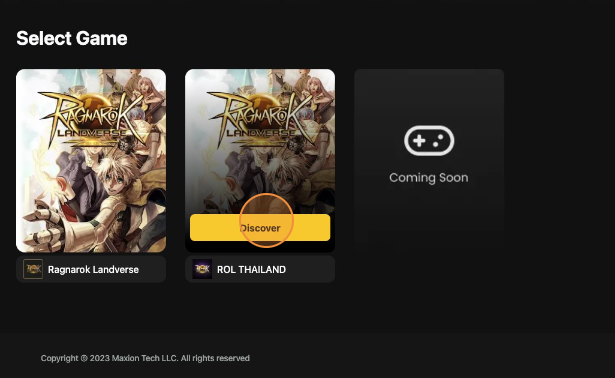 4. คลิกที่ไอเทมเพื่อดูรายละเอียด
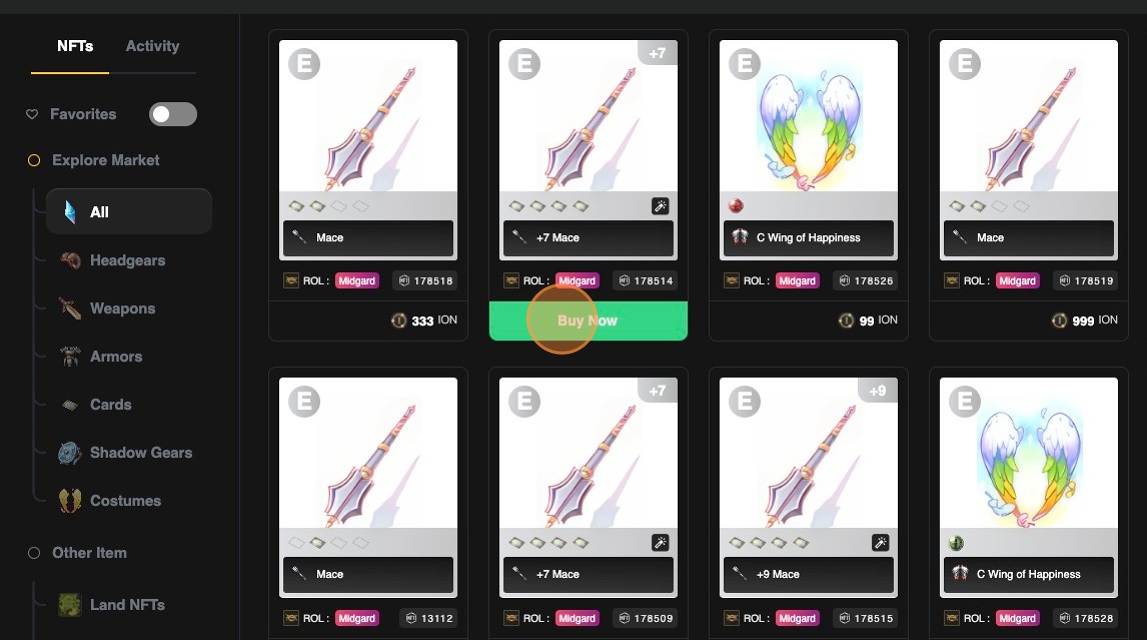 5. คลิกที่ \[Connect Wallet] -> \[Sign Web3 Token]-> \[Buy Now] เพื่อซื้อ
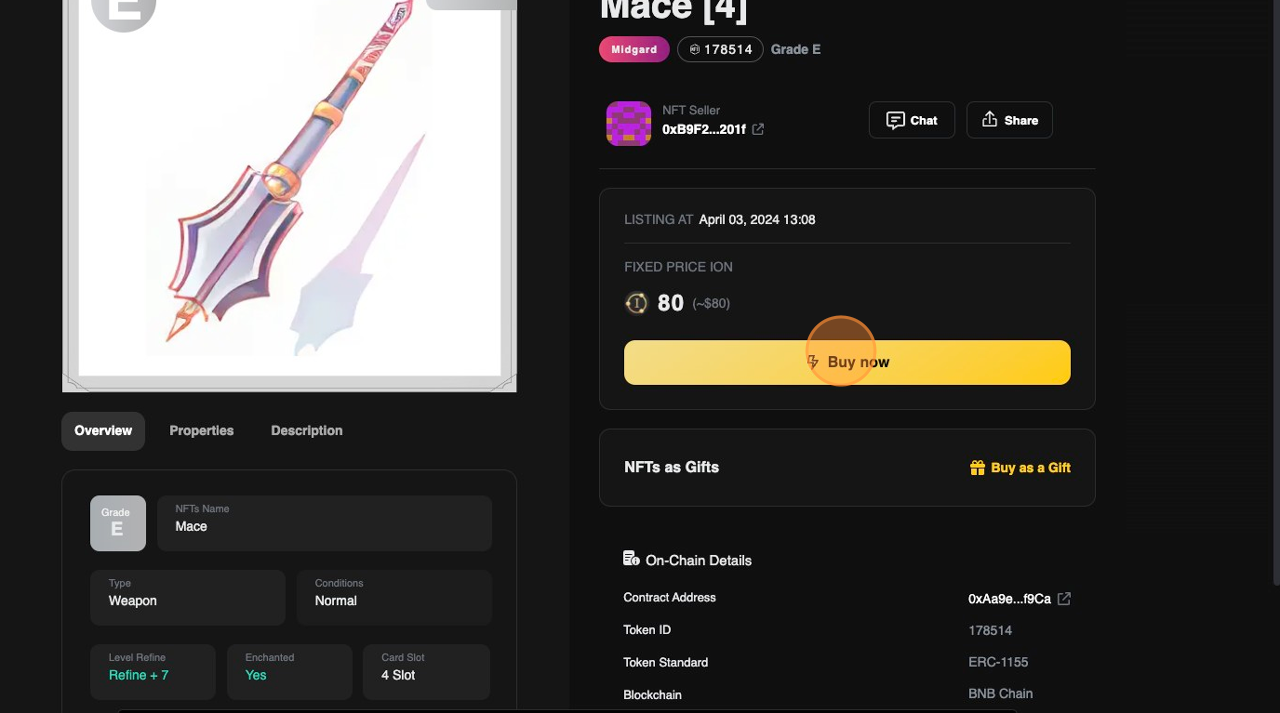 6. การแจ้งเตือน Metamask จะปรากฏขึ้นเพื่อให้ยืนยันดำเนินการทำธุรกรรม (มีค่า Gas fee)
7. ไอเทมจะถูกเพิ่มไปยัง Inventory ในเกมของบัญชีนั้น ๆ เมื่อดำเนินการทำธุรกรรมสำเร็จ
6. การแจ้งเตือน Metamask จะปรากฏขึ้นเพื่อให้ยืนยันดำเนินการทำธุรกรรม (มีค่า Gas fee)
7. ไอเทมจะถูกเพิ่มไปยัง Inventory ในเกมของบัญชีนั้น ๆ เมื่อดำเนินการทำธุรกรรมสำเร็จ