> For the complete documentation index, see [llms.txt](https://maxion-1.gitbook.io/ragnarok-landverse-th/llms.txt). Markdown versions of documentation pages are available by appending `.md` to page URLs; this page is available as [Markdown](https://maxion-1.gitbook.io/ragnarok-landverse-th/rol-main-features/undefined/transcendent-shadow-shop.md).
# Transcendent Shadow Shop
 **Transcendent Shadow Shop**
***
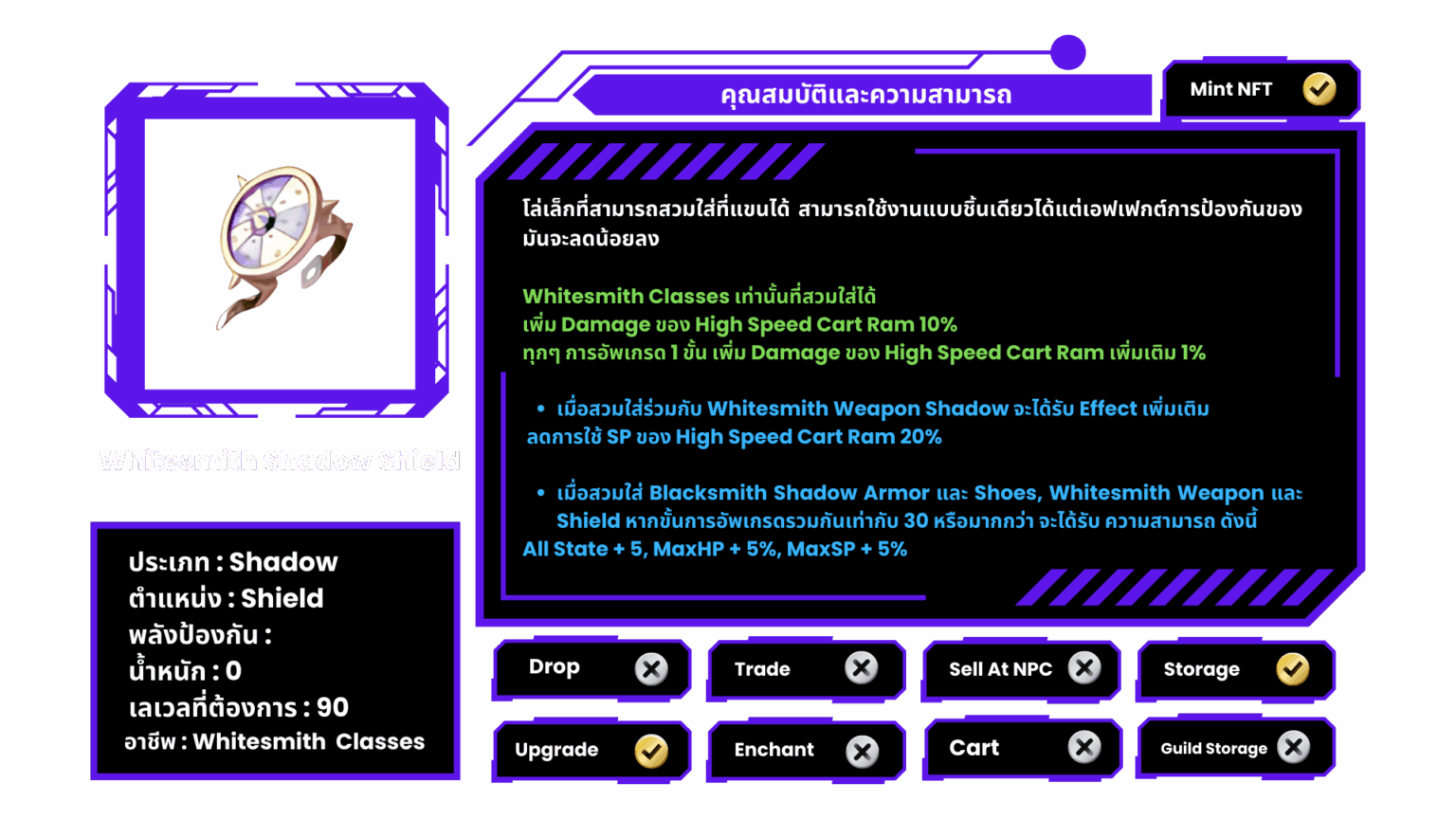
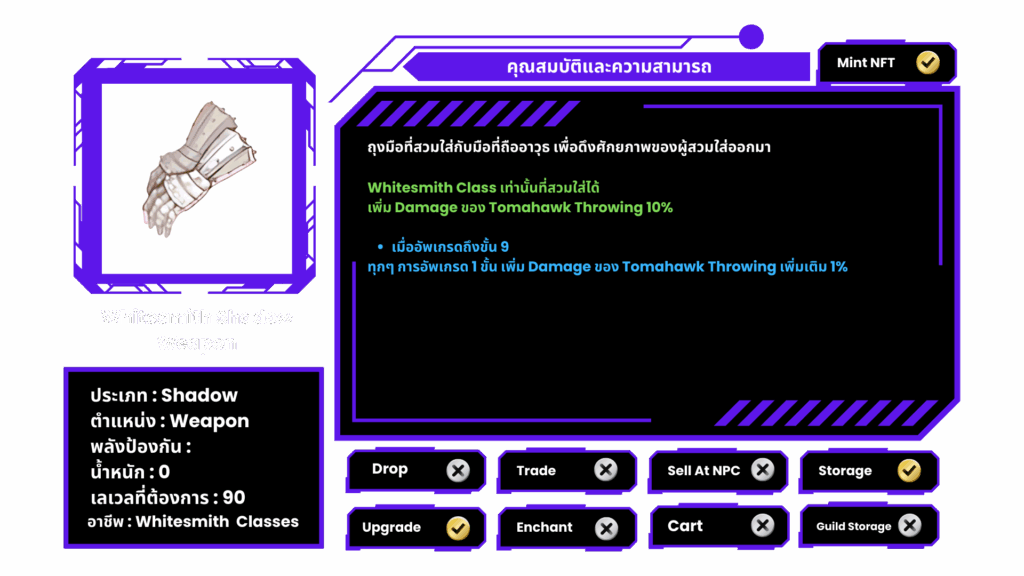
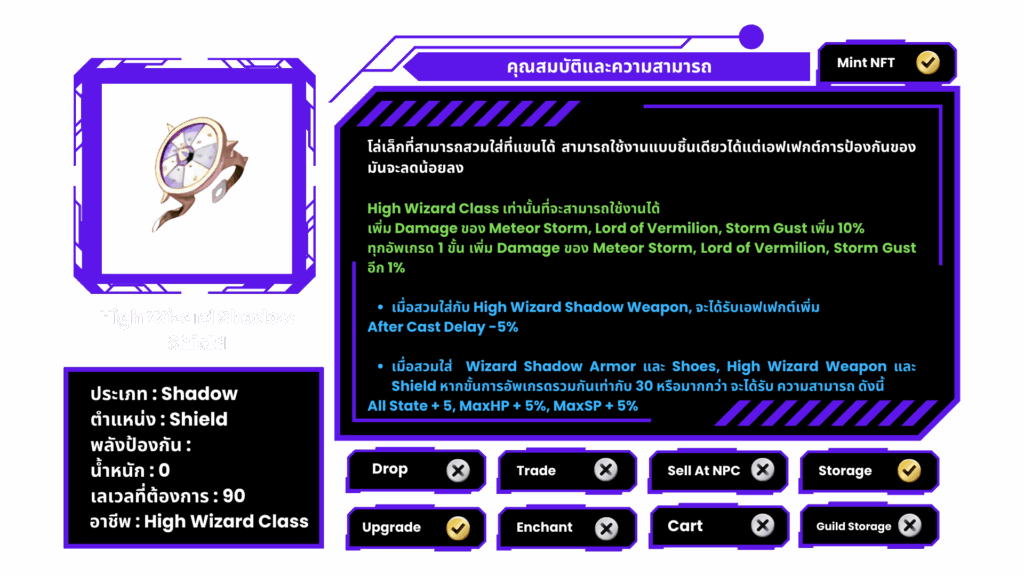
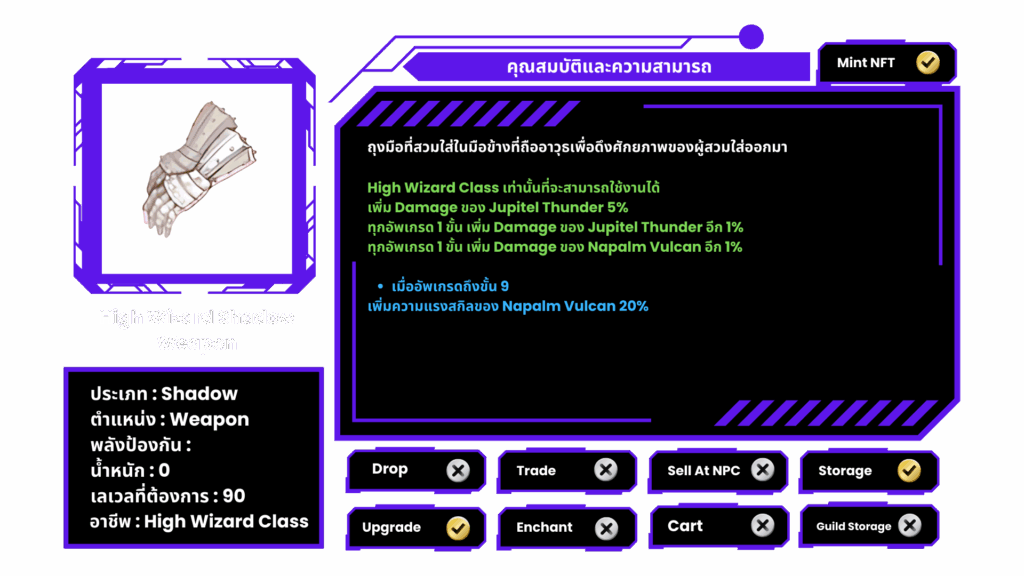
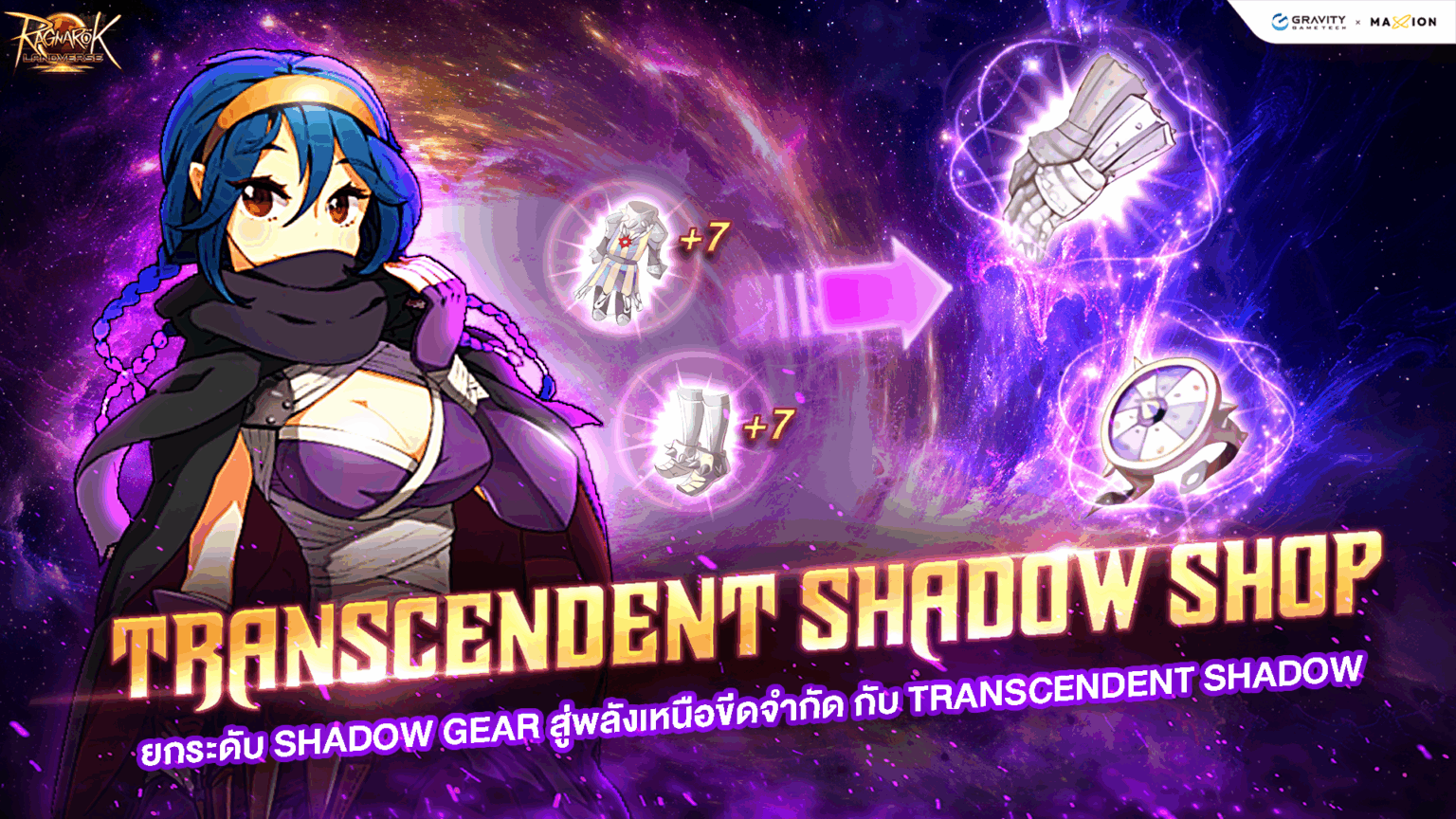
**Transcendent Shadow Shop** คือร้านค้าแลกเปลี่ยน Shadow Equipment ที่เปิดให้ผู้เล่นสามารถนำ Shadow ของอาชีพ Class 2 ที่อัปเกรดถึง +7 มาแลกเป็น High Class Shadow Equipment ได้ ผ่าน NPC Universal Exchange Alexa
**Transcendent Shadow Shop**
***
**Transcendent Shadow Shop** คือร้านค้าแลกเปลี่ยน Shadow Equipment ที่เปิดให้ผู้เล่นสามารถนำ Shadow ของอาชีพ Class 2 ที่อัปเกรดถึง +7 มาแลกเป็น High Class Shadow Equipment ได้ ผ่าน NPC Universal Exchange Alexa
 ### **วิธีการแลกเปลี่ยน**
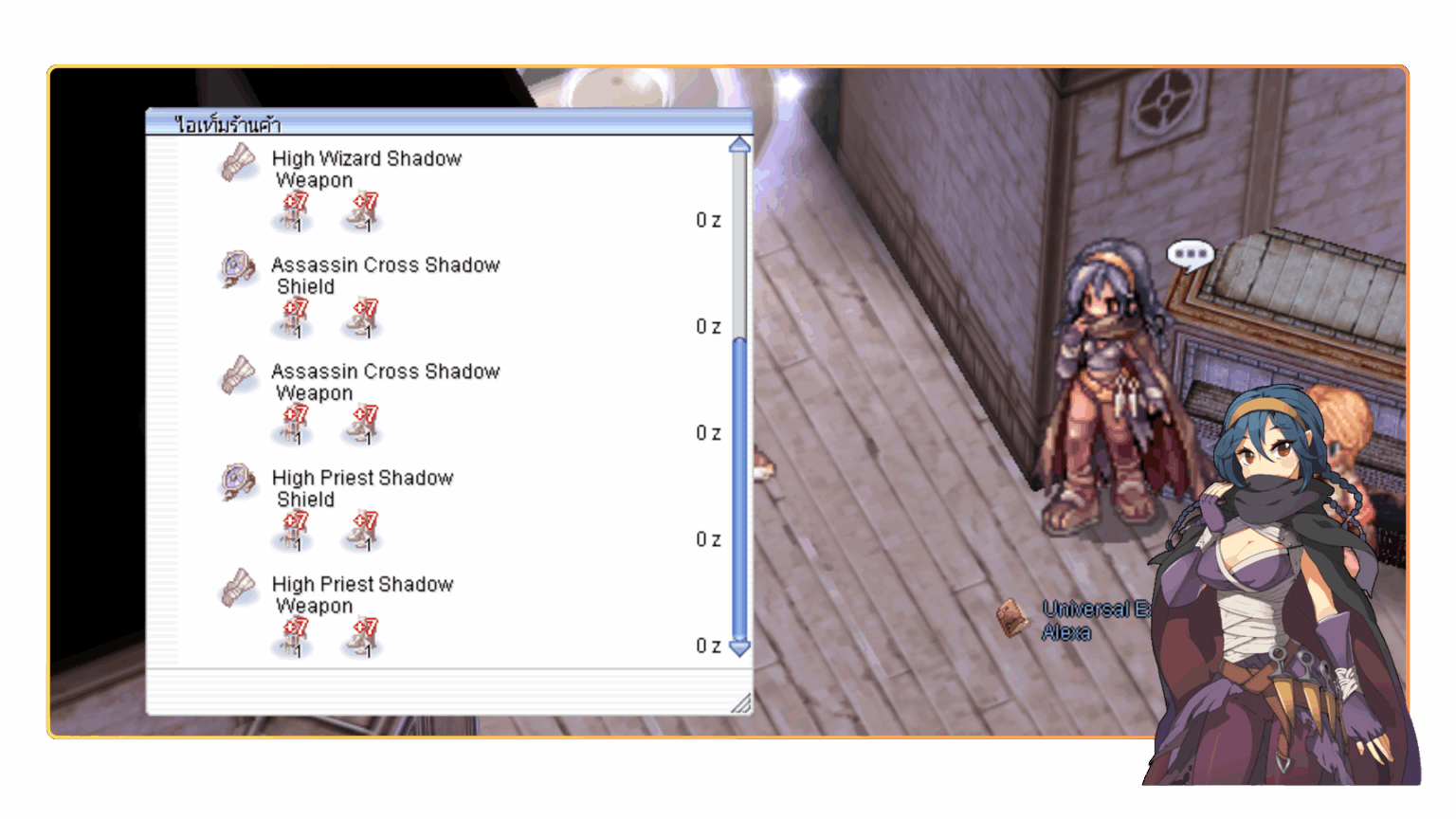
* ใช้ Shadow Armor +7 และ Shadow Shoes +7 ของอาชีพเดียวกัน
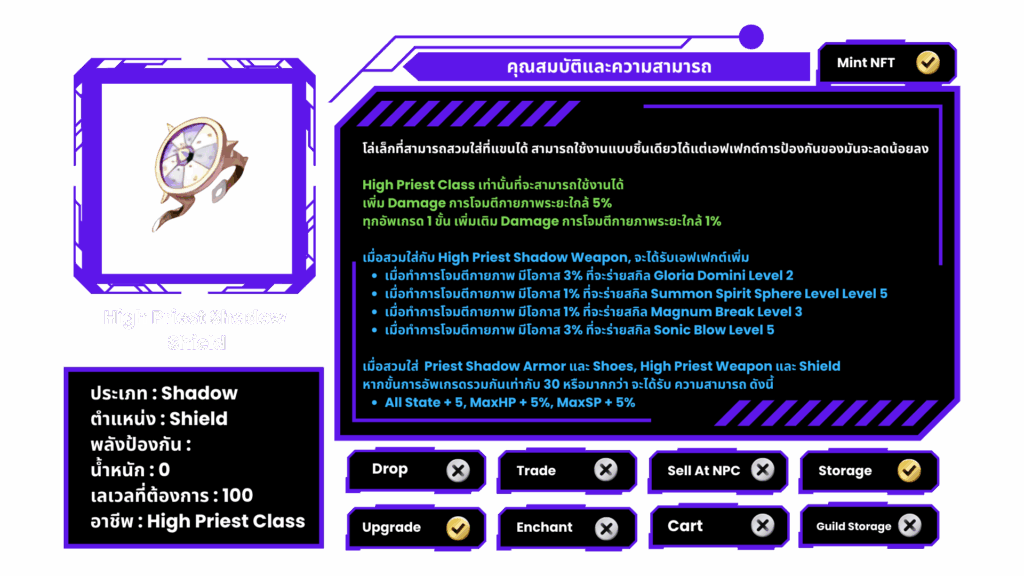
* เมื่อนำมาที่ร้านค้า จะสามารถแลกเป็น High Class Shadow 1 ชิ้นได้ทันที
**ตัวอย่างการแลกเปลี่ยน**
* Assassin Shadow Armor +7 + Assassin Shadow Shoes +7\
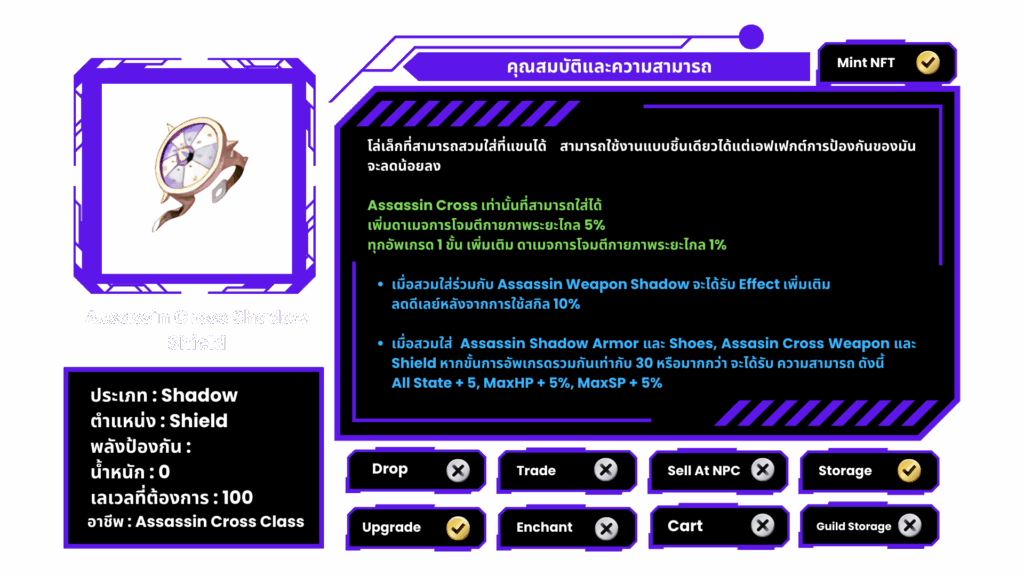
→ แลกเป็น Assassin Cross Shadow Shield
* Priest Shadow Armor +7 + Priest Shadow Shoes +7\
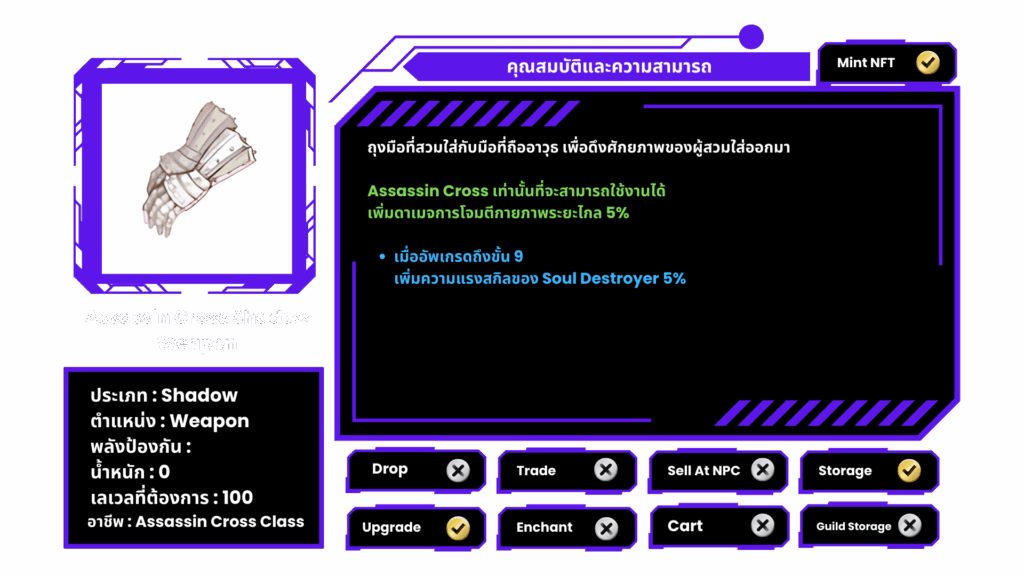
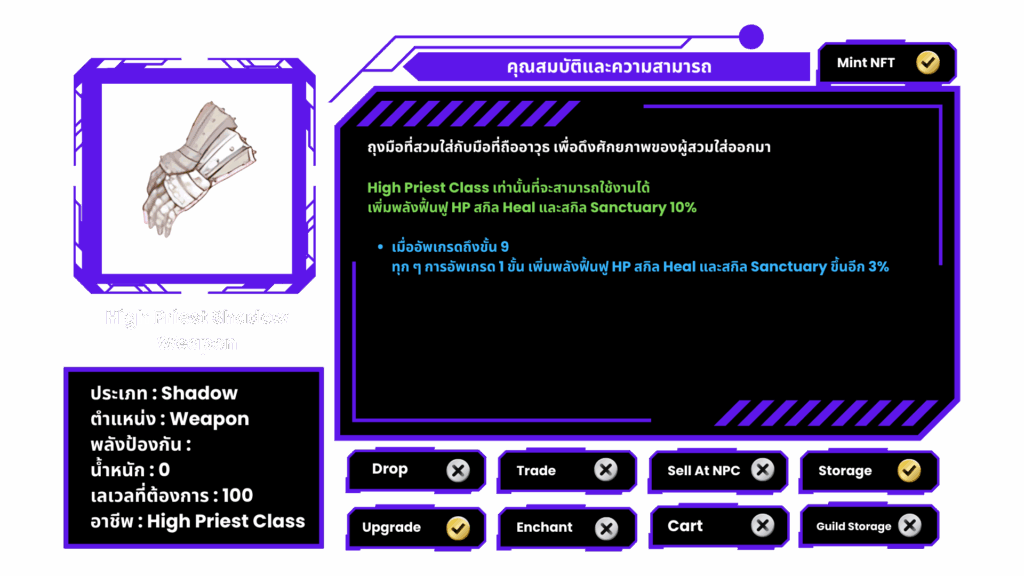
→ แลกเป็น High Priest Shadow Weapon
**พิกัด NPC Universal Exchange Alexa**
NPC ประจำร้านค้าสามารถพบได้ในทุกเมืองหลัก โดยใช้คำสั่งนำทาง (Navigation) ดังนี้
* Prontera : /navi prt\_in 62/71
* Morocc : /navi morocc\_in 69/70
* Payon : /navi payon 148/155
* Alberta : /navi alberta\_in 17/65
* Yuno : /navi yuno\_in01 168/35
* Einbroch : /navi ein\_in01 26/79
* Lighthalzen : /navi lhz\_in02 273/1
เพียงพิมพ์คำสั่งในแชท จะมีลูกศรสีเหลืองพาผู้เล่นตรงไปยังตำแหน่งของ NPC ได้ทันที
***
**อัปเดตวันที่ 20 ส.ค. 2568**
### **วิธีการแลกเปลี่ยน**
* ใช้ Shadow Armor +7 และ Shadow Shoes +7 ของอาชีพเดียวกัน
* เมื่อนำมาที่ร้านค้า จะสามารถแลกเป็น High Class Shadow 1 ชิ้นได้ทันที
**ตัวอย่างการแลกเปลี่ยน**
* Assassin Shadow Armor +7 + Assassin Shadow Shoes +7\
→ แลกเป็น Assassin Cross Shadow Shield
* Priest Shadow Armor +7 + Priest Shadow Shoes +7\
→ แลกเป็น High Priest Shadow Weapon
**พิกัด NPC Universal Exchange Alexa**
NPC ประจำร้านค้าสามารถพบได้ในทุกเมืองหลัก โดยใช้คำสั่งนำทาง (Navigation) ดังนี้
* Prontera : /navi prt\_in 62/71
* Morocc : /navi morocc\_in 69/70
* Payon : /navi payon 148/155
* Alberta : /navi alberta\_in 17/65
* Yuno : /navi yuno\_in01 168/35
* Einbroch : /navi ein\_in01 26/79
* Lighthalzen : /navi lhz\_in02 273/1
เพียงพิมพ์คำสั่งในแชท จะมีลูกศรสีเหลืองพาผู้เล่นตรงไปยังตำแหน่งของ NPC ได้ทันที
***
**อัปเดตวันที่ 20 ส.ค. 2568**