> For the complete documentation index, see [llms.txt](https://maxion-1.gitbook.io/ragnarok-landverse-th/llms.txt). Markdown versions of documentation pages are available by appending `.md` to page URLs; this page is available as [Markdown](https://maxion-1.gitbook.io/ragnarok-landverse-th/rol-main-features/player-control-system.md).
# ระบบ Player Control System
ยกระดับความปลอดภัย! Ragnarok Landverse เปิดตัวระบบ Player Control System ให้คุณคุมไอดีได้ดั่งใจ
## \[Rideword📚] Ragnarok online Landverse Thailand : Player Control System
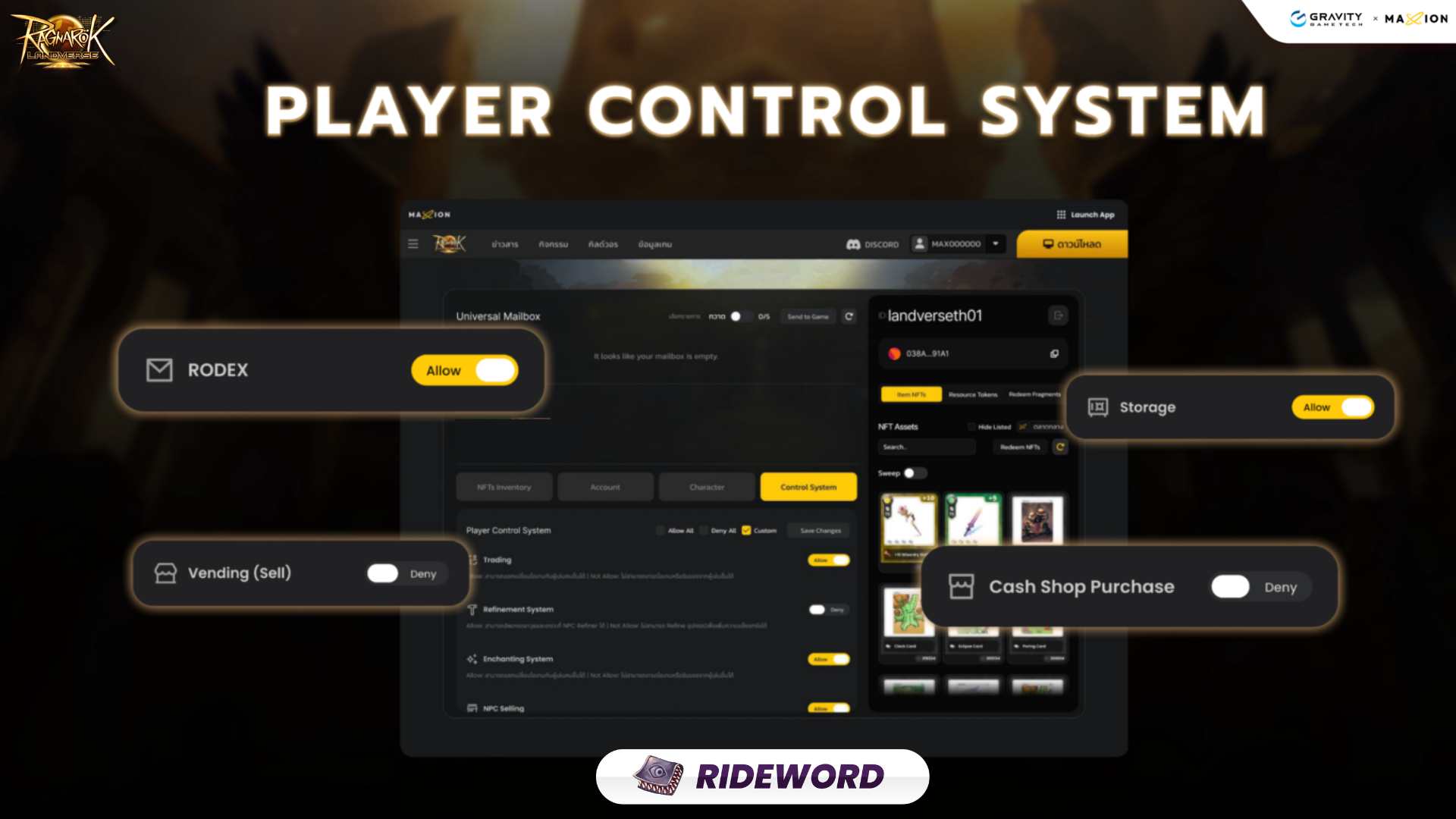
**ยกระดับความปลอดภัย! Ragnarok Landverse เปิดตัวระบบ Player Control System ให้คุณคุมไอดีได้ดั่งใจ**
Ragnarok Landverse ประกาศเปิดตัวระบบ Player Control System อย่างเป็นทางการในเซิฟเวอร์ Rideword เพื่อมอบอำนาจให้ผู้เล่นสามารถจัดการสิทธิ์การเข้าถึงฟังก์ชันต่างๆ ภายในเกมได้ด้วยตัวเอง เพิ่มเกราะป้องกันอีกชั้นให้กับทรัพย์สินและตัวละครของคุณในระบบเศรษฐกิจ Landverse
### ระบบ Player Control System คืออะไร?
ระบบนี้คือแผงควบคุมอัจฉริยะที่ให้คุณเลือก **เปิด (Allow)** หรือ **ปิด (Deny)** การใช้งานฟังก์ชันสำคัญต่างๆ ภายในเกม เพื่อป้องกันข้อผิดพลาดหรือการถูกโจรกรรมข้อมูล โดยคุณสามารถควบคุมฟังก์ชันเหล่านี้ได้:
* **ระบบ Enchanting**: ควบคุมการอัปเกรดและใส่ออฟชั่นอุปกรณ์
* **การขาย NPC**: ป้องกันการเผลอกดขายไอเทมสำคัญให้กับร้านค้า
* **ระบบ Vending (ซื้อ/ขาย)**: จัดการสิทธิ์การเปิดร้านค้าหรือการซื้อของจากผู้เล่นอื่น
* **การโยนไอเทม (Item Drop)**: ล็อกสิทธิ์การทิ้งไอเทมลงพื้นเพื่อความปลอดภัยสูงสุด
* **ฟังก์ชันอื่นๆ**: ครอบคลุมไปถึงการใช้งาน RODex, คลังเก็บของ (Storage) และการซื้อสินค้าใน Cash Shop
### ขั้นตอนการตั้งค่า (3 ขั้นตอนง่ายๆ)
| 1. การเข้าถึง
(How to Access)
| ล็อกอินเข้าสู่ระบบผ่านหน้าเว็บไซต์ \[Link] เลือก Server Rideword แล้วเลือกเมนู **Control System** ในหน้าจัดการบัญชี |
| -------------------------------------------------- | -------------------------------------------------------------------------------------------------------------------------------------------------- |
| 2. จัดการสิทธิ์
(Managing Permissions)
| คุณสามารถเลือกตั้งค่าแบบ “Allow All” (อนุญาตทั้งหมด), “Deny All” (ปฏิเสธทั้งหมด) หรือเลือกแบบ “Custom” เพื่อเปิด-ปิดเฉพาะบางฟังก์ชันตามความต้องการ |
| 3. บันทึกและยืนยัน
(Saving & Confirming)
| กดปุ่ม **Save Changes** โดยระบบจะให้คุณกรอกรหัสจาก **Google Authenticator** เพื่อยืนยันตัวตนก่อนการเปลี่ยนแปลงจะมีผล |
### ข้อควรรู้ก่อนเริ่มใช้งาน
⚠️ **ต้องติดตั้ง Google Authenticator**: คุณจำเป็นต้องตั้งค่าการยืนยันตัวตนผ่าน Google Authenticator ให้เรียบร้อยก่อนจึงจะเริ่มใช้งานระบบนี้ได้ ⭐ **สถานะ VIP**: ฟังก์ชันการควบคุมบางระดับอาจสงวนสิทธิ์ไว้สำหรับผู้เล่นที่มีสถานะ VIP เท่านั้น ⁉️ **ระบบนี้เปิดให้ใช้งานแค่เซิฟเวอร์ Rideword เท่านั้น** ในช่วงแรก และจะถูกนำไปใช้กับเซิฟเวอร์อื่นๆ ในอนาคต โปรดติดตามประกาศ
ระบบนี้ถือเป็นเครื่องมือสำคัญสำคัญใน Landverse Economy เพราะช่วยให้มั่นใจได้ว่าทรัพย์สินของคุณจะถูกล็อกไว้อย่างปลอดภัยจากการเข้าถึงที่ไม่ได้รับอนุญาต