> For the complete documentation index, see [llms.txt](https://maxion-1.gitbook.io/ragnarok-landverse-america/llms.txt). Markdown versions of documentation pages are available by appending `.md` to page URLs; this page is available as [Markdown](https://maxion-1.gitbook.io/ragnarok-landverse-america/game-guide/moonstone-shop/how-to-purchase-moonstone.md).
# How to purchase Moonstone
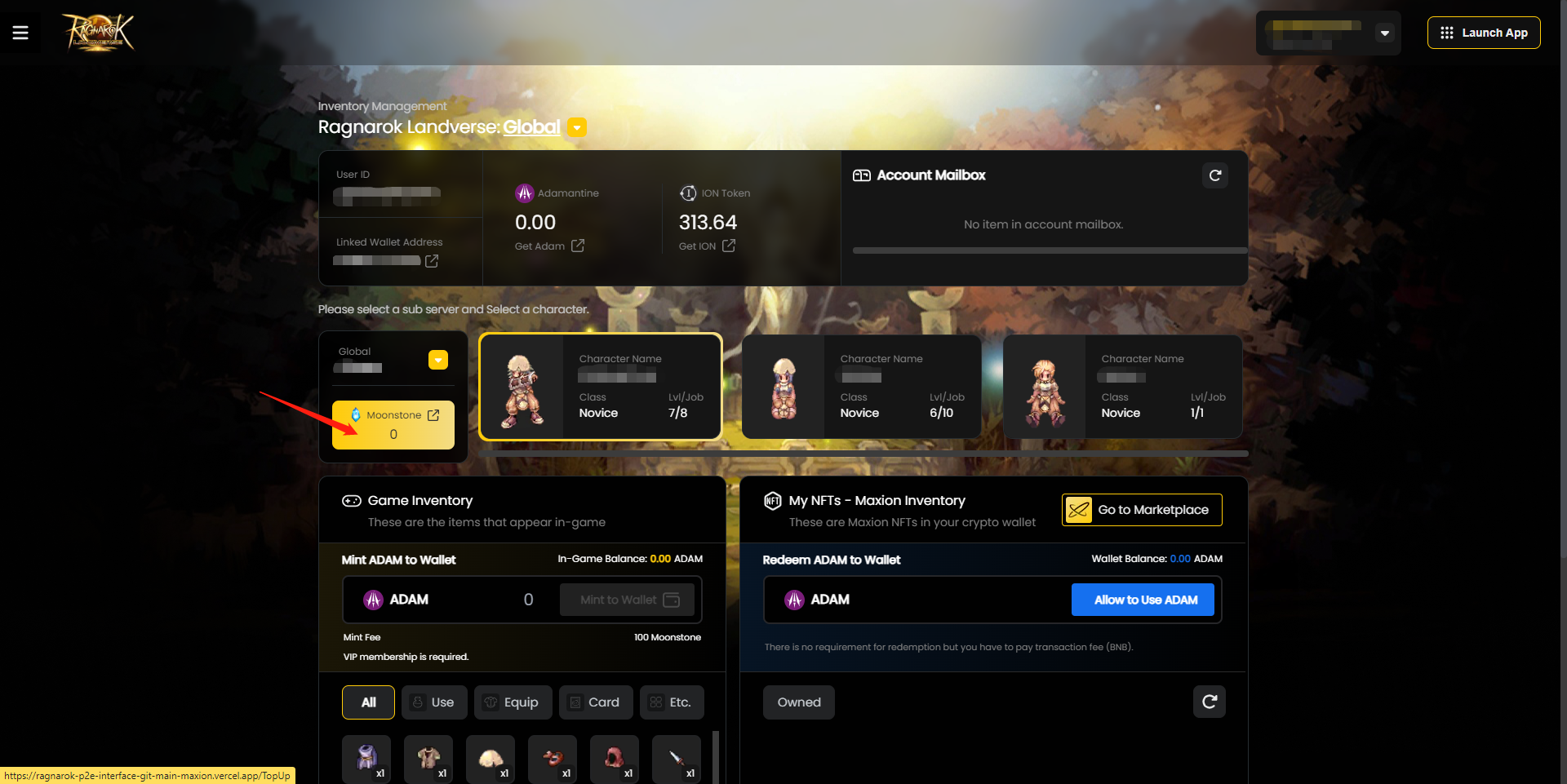
To purchase Moonstone, click on the Moonstone Button as indicated below.
1. Click the \[Connect Wallet] button to start.
2. Select the top-up package that you want to purchase.
IMPORTANT: Click the [>] icon on the left if you are making your first Moonstone Purchase!
**For first time Moonstone purchases**, players must authenticate their approval for Moonstone purchases on the top-up page.
Follow the steps as indicated below:
1. After clicking on any selected Moonstone Package, a popup with the \[Allow to Use ION] button will appear.
2. Select your game account server, ensure the game ID is correct and click on \[Allow to Use ION].
3. A Metamask popup notification will appear. Click on \[Use default] and click \[Next] button to close the metamask notification.

Once the authentication to use ION for payment transaction is completed, a popup will appear. Click \[Ok] and you will be able to continue with your first Moonstone purchase!

3. Ensure the correct server and User ID is selected.
4. Click on the \[Agree that the transactions are non-refundable] Checkbox.
5. Click on \[Confirm Top-up] to proceed.
6. Click on the \[Confirm] button to authenticate the transaction.
7. Upon successful transaction, a popup will appear. Click \[Ok] to continue.
8. Moonstone purchased will be shown in the game account and automatically synced to players' in-game account. Purchased Moonstone will be available to all characters created the the game account.