> For the complete documentation index, see [llms.txt](https://maxion-1.gitbook.io/ragnarok-landverse-america/llms.txt). Markdown versions of documentation pages are available by appending `.md` to page URLs; this page is available as [Markdown](https://maxion-1.gitbook.io/ragnarok-landverse-america/game-guide/getting-started/how-to-set-up-your-ronin-wallet.md).
# How to set up your Ronin wallet
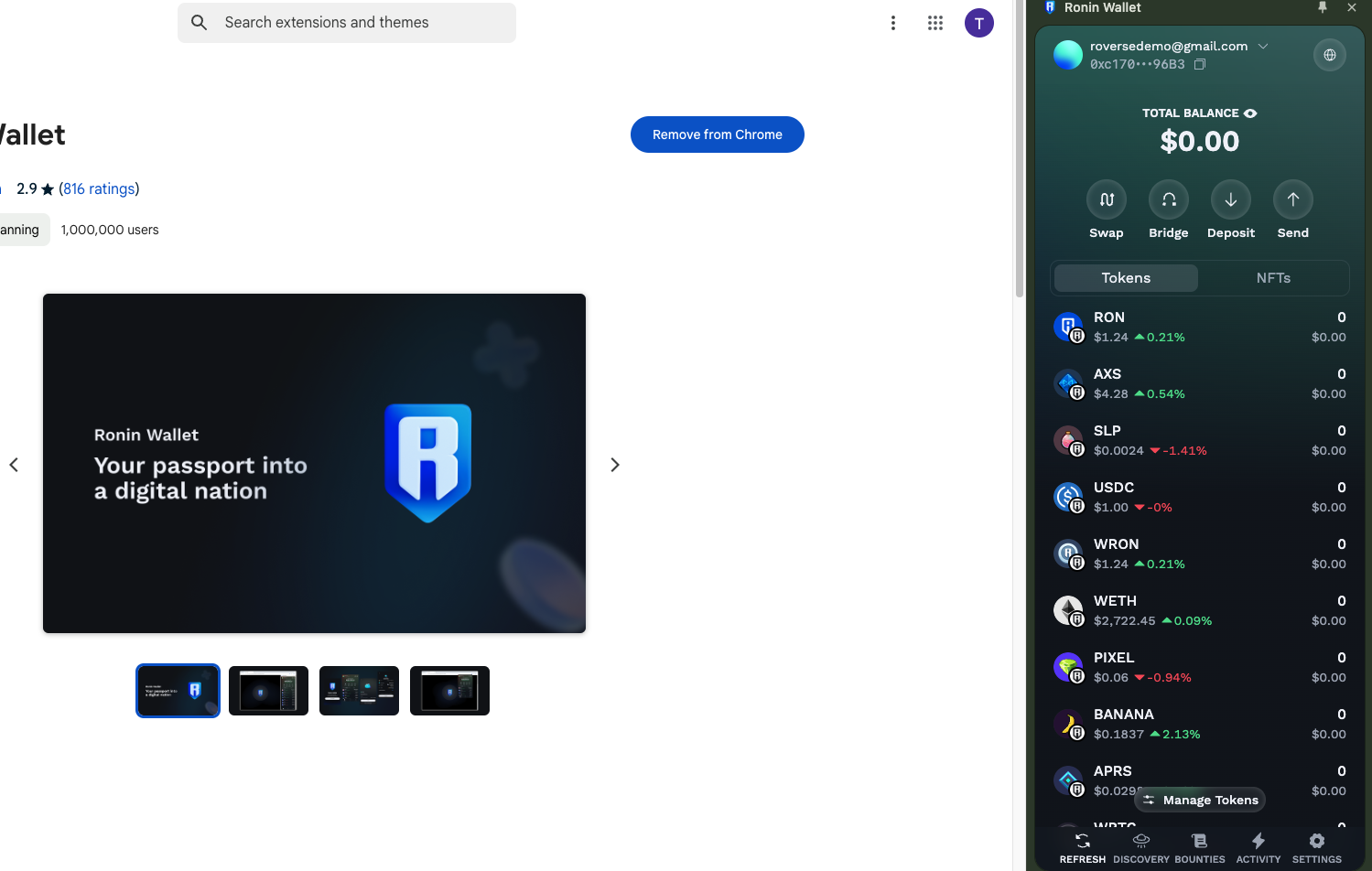
Ronin Wallet is a crypto wallet designed for the **Ronin blockchain**, primarily used for games and Web3 applications, including **Ragnarok Online Landverse: America**. Follow this guide to set up your **Ronin Wallet** and prepare for seamless transactions in the game.
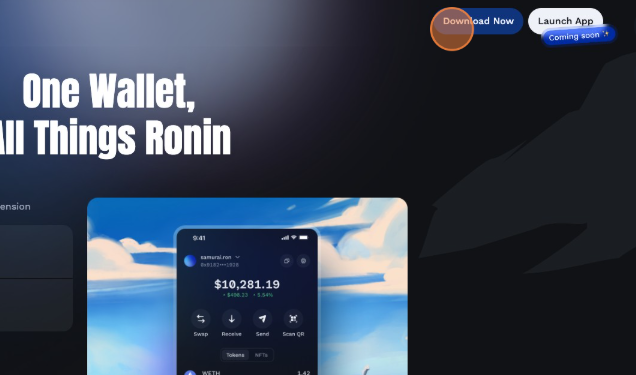
1. Go to the **official Ronin Wallet website**: , Click on **"Download"** and Install the extension
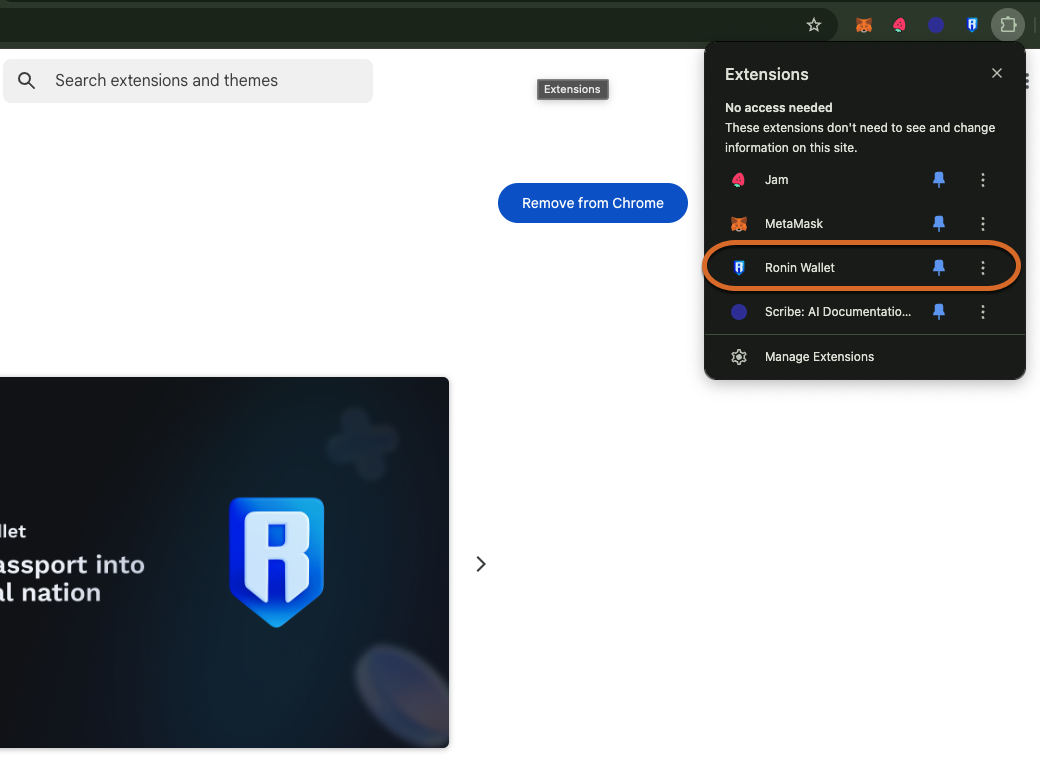
* Once installed, click on the Ronin icon in your browser's toolbar to launch the application.
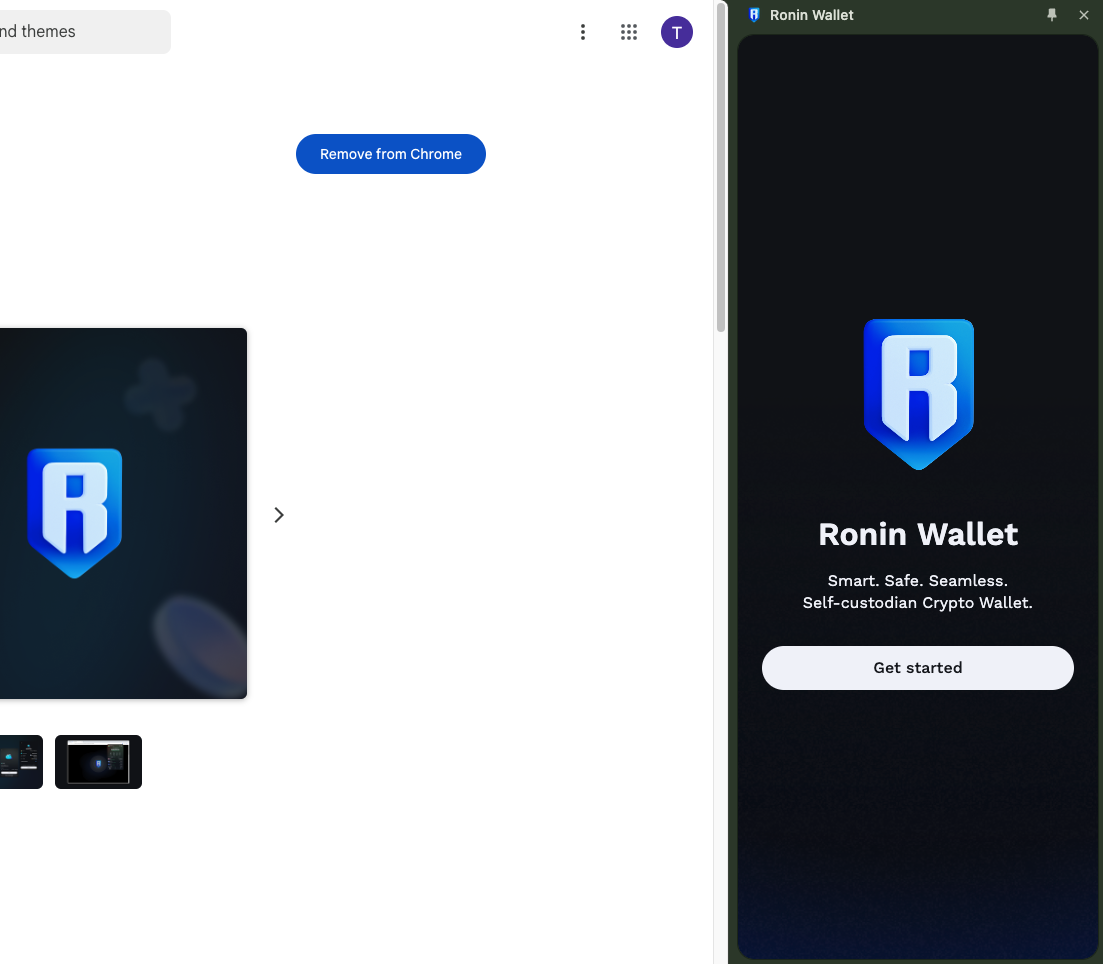
* You will be presented with a welcome screen, Click "Get started".
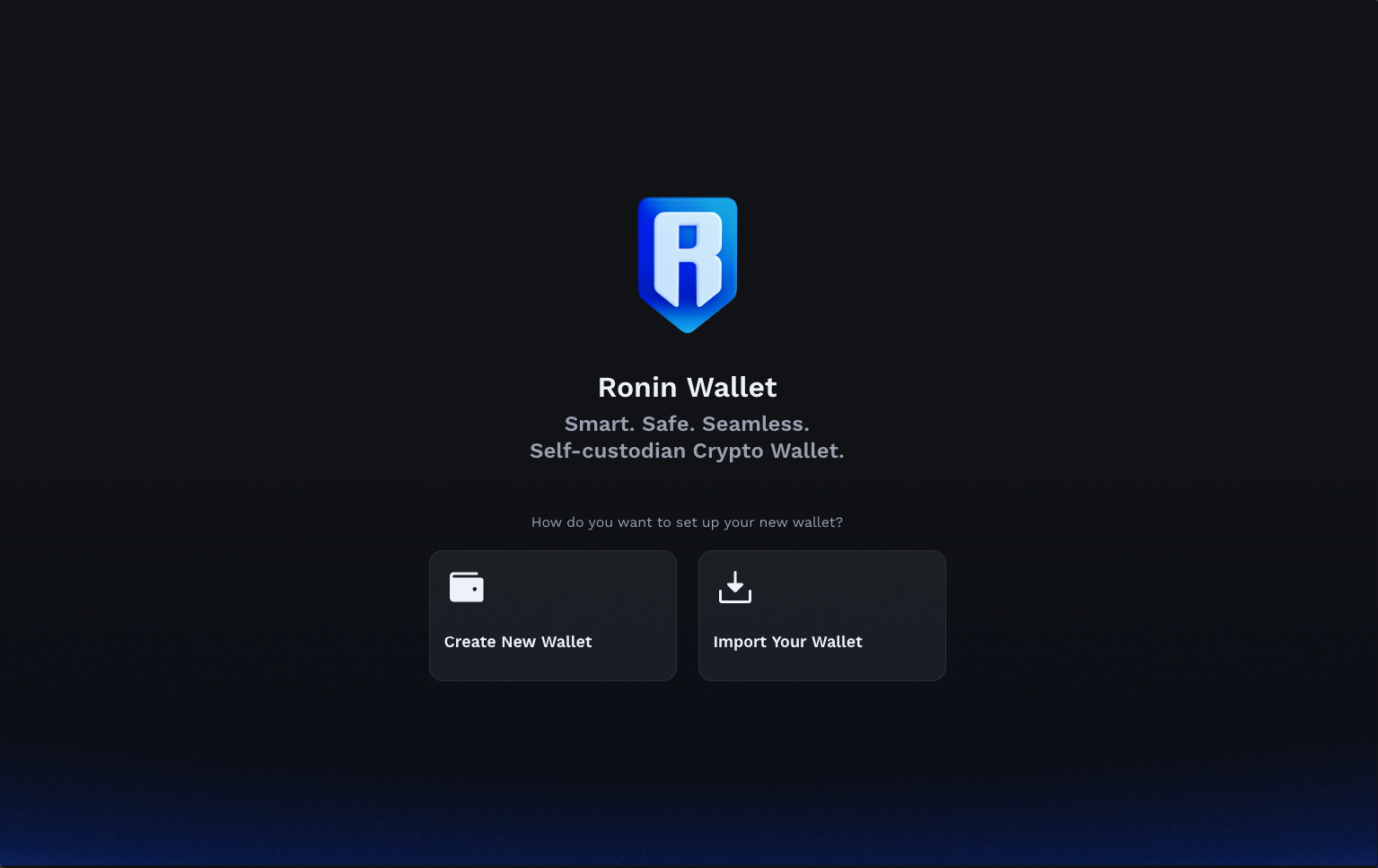
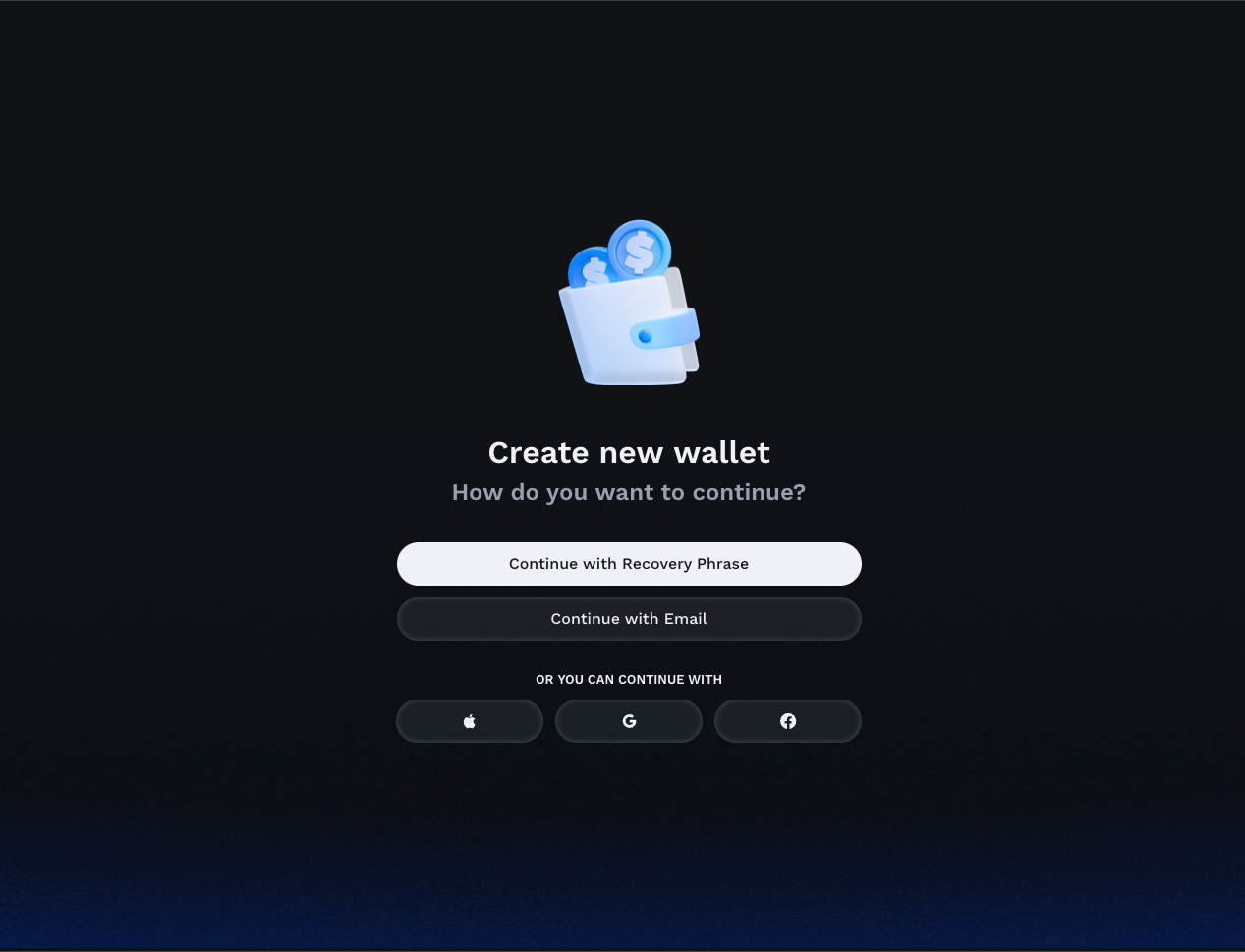
* You can choose to import an existing wallet, but for the purposes of this tutorial, we will create a new one.
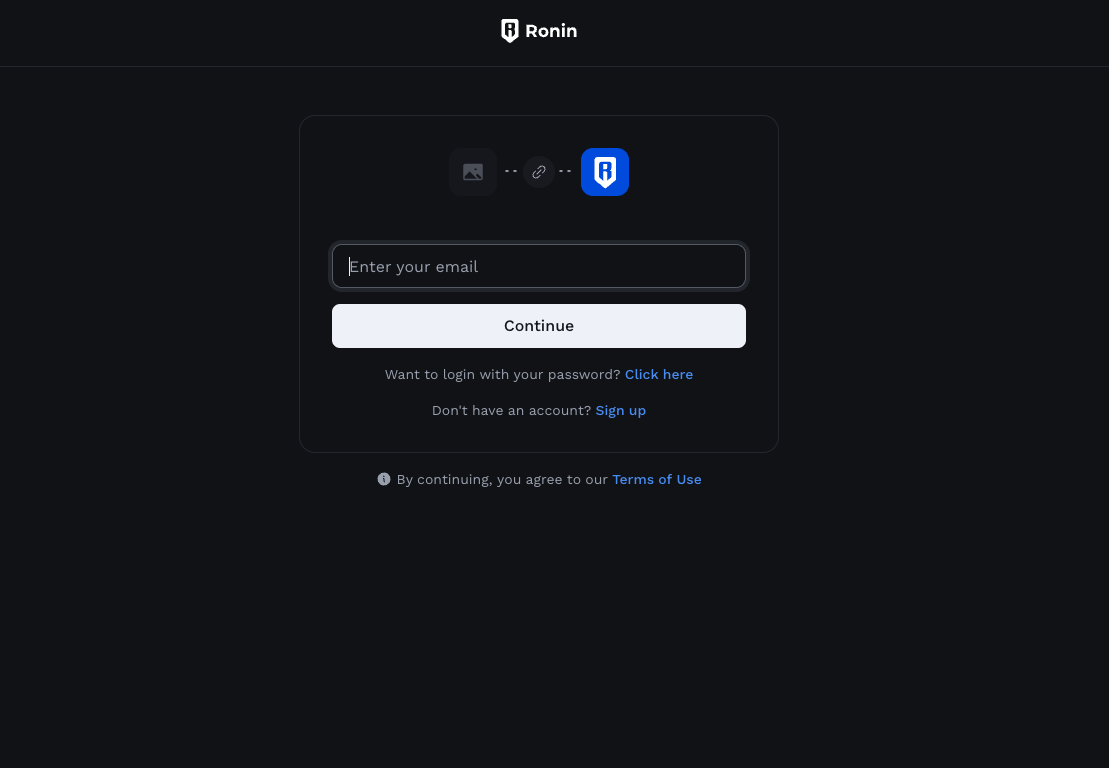
* Select Login method you prefer (Recommend Email-related Method for easier wallet recovery)
5. Then go on with the Email varification process.
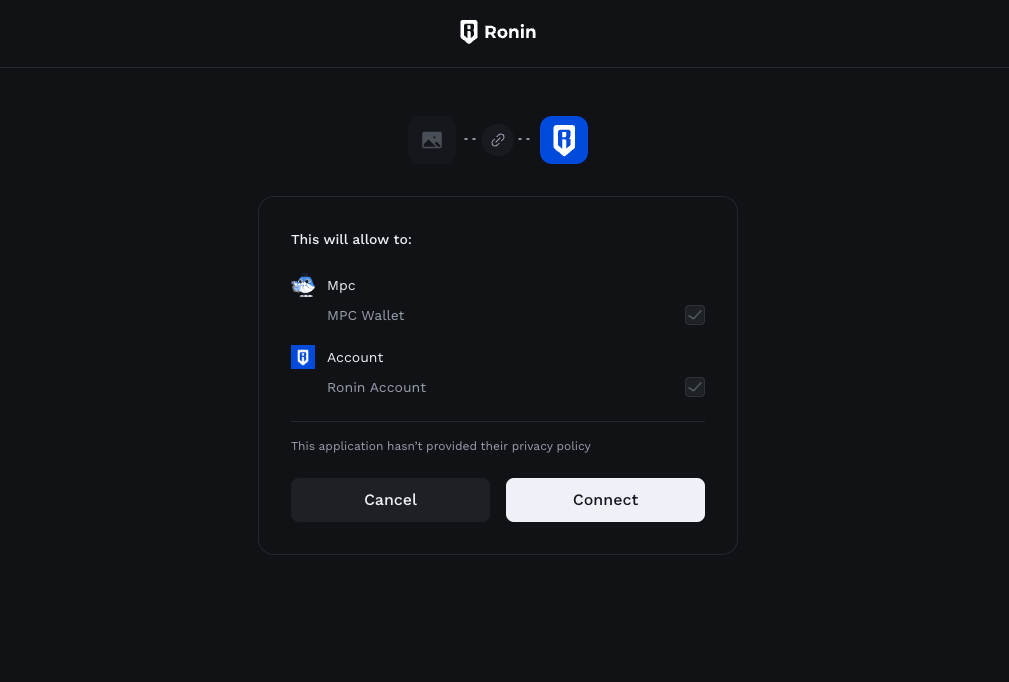
5. After finish the process, click "Connect" to confirm creating a Ronin wallet with the email.
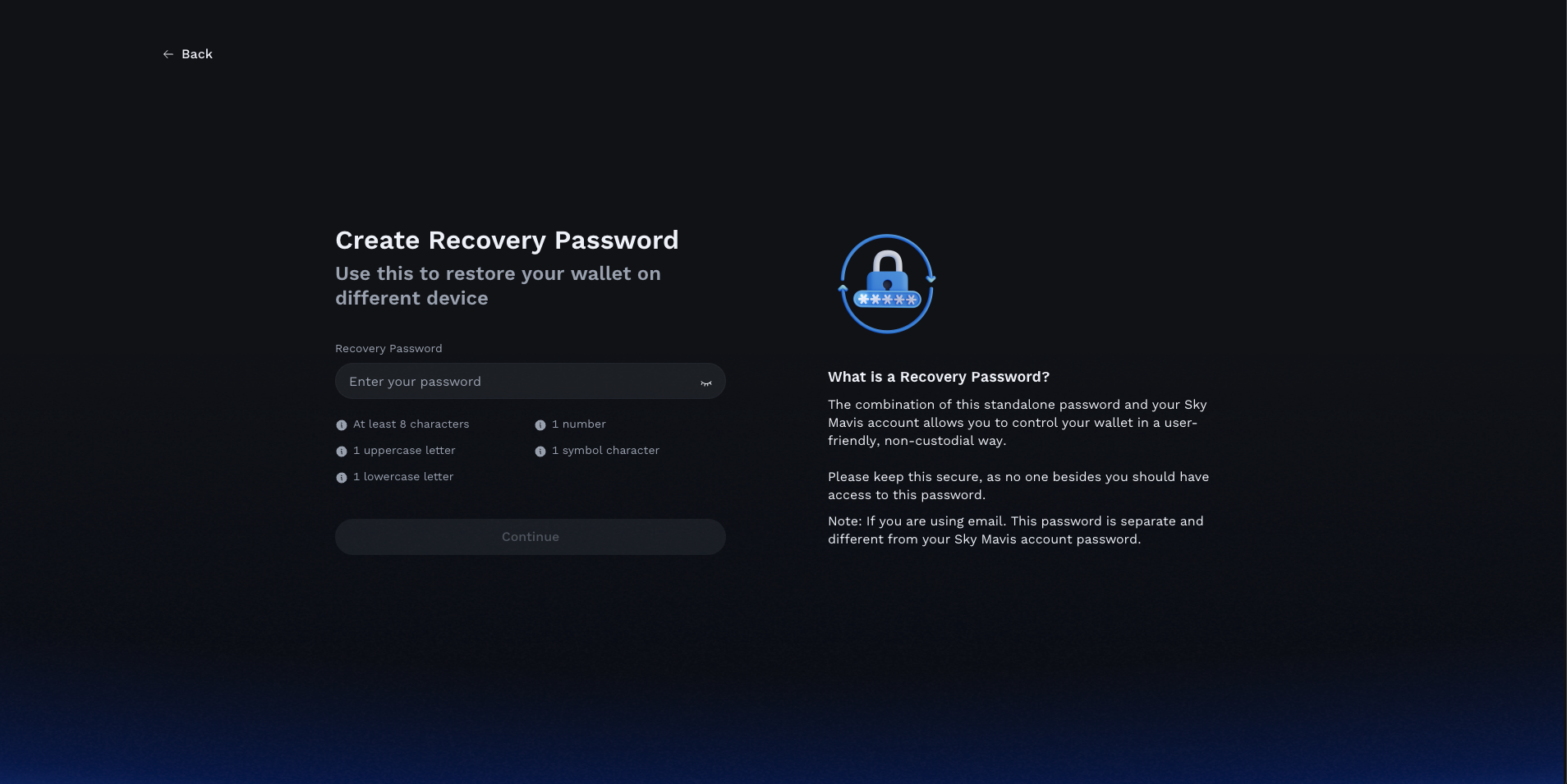
* Then Pick the Extension Passcode, and Recovery Password
That's it! You have successfully set up Ronin wallet.