# How to bind Ronin Wallet to Ragnarok Landverse during CBT
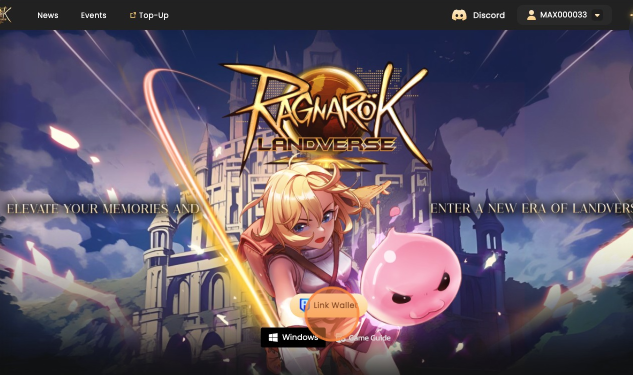
* Visit and click on **"Link Wallet"**.
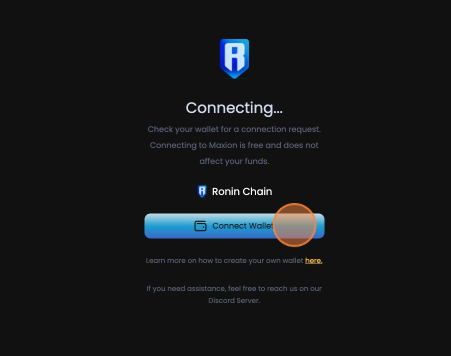
* You'll be redirected to the wallet binding page. Click the **"Connect Wallet"** button and confirm the connection in your Ronin Wallet.
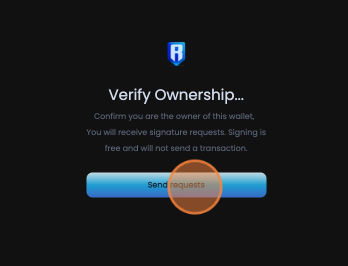
* Once your wallet is connected, click **"Sign Request"** and confirm the signature request in your Ronin Wallet.
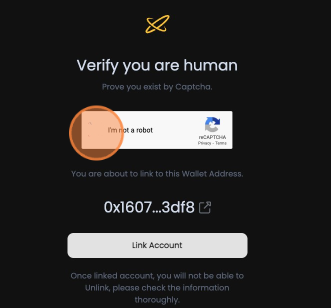
* Solve the **reCAPTCHA** verification. Double-check your wallet address—if it's correct, click **"Link Wallet"**.
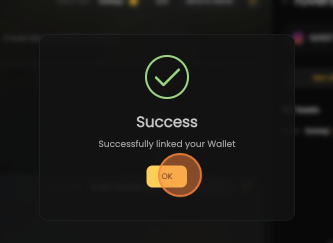
* A confirmation popup will appear, letting you know your wallet is successfully linked. You're good to go! 🎉