> For the complete documentation index, see [llms.txt](https://maxion-1.gitbook.io/ragnarok-landverse-america/llms.txt). Markdown versions of documentation pages are available by appending `.md` to page URLs; this page is available as [Markdown](https://maxion-1.gitbook.io/ragnarok-landverse-america/game-guide/automated-battle-system.md).
# Automated Battle System
## Automatic Player System
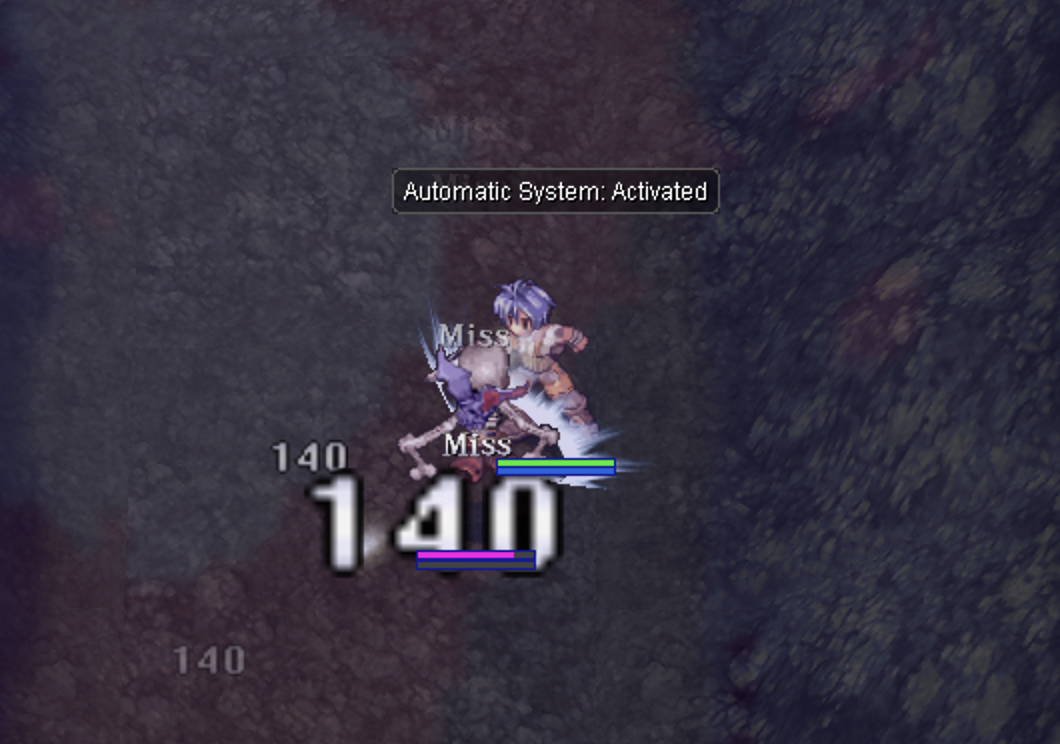
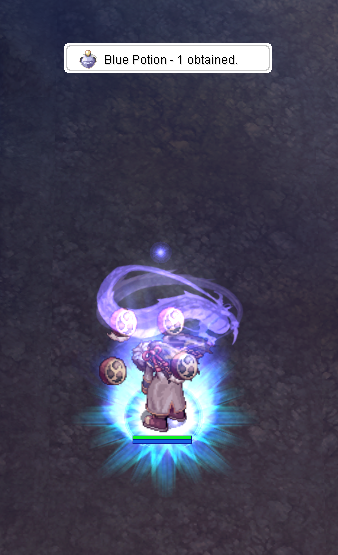
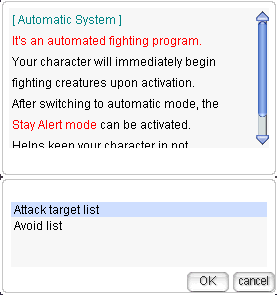
When the automated battle system is in **Automatic System Mode** the character moves randomly and engage in battle with the closest monster(s) while picking up items and store them in the inventory. There is an option to switch to **Stay Alert Mode**, which can only be activated after enabling the **Automatic System Mode**. This mode keeps the character in the same location and does not move randomly and aggro monsters in area.
For Magician users using the automatic system, please turn off auto attack and have your skills set in your hotkey bar to enable your character to cast skills.
***
## Configure
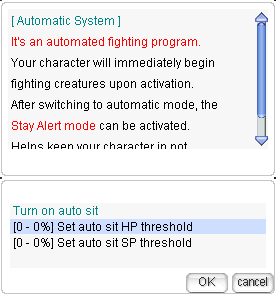
### 1. Automatic Sitting
Players can configure their character to sit and recover HP and SP by setting an auto sit HP/SP threshold as a percentage.
* **Set auto sit HP threshold**: When your character's HP drops to 20% of Max HP, your character will sit down immediately after killing the current monster. Once HP is fully restored, your character will stand up and continue fighting the next monster.
### 2. Automatic Teleport
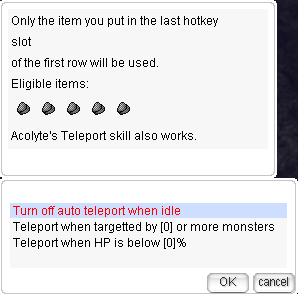
Players can configure their character to use teleport to move to different locations automatically. (Players must place the item or skill used for teleport in the F9 skill slot.)
* **Turn on auto teleport when idle**: When your character has attacked all nearby monsters and no monsters are nearby for a set period, it will use teleport to move to a new location to find more monsters to attack.
* **Teleport when targeted by \[0] or more monsters**: Set the number of monsters that, when attacking your character, will trigger an automatic teleport to a different location. When your character is targeted by more than the specified number of monsters, it will teleport to a new location.
For example, if you set this value to 4, your character will automatically use teleport when surrounded by 4 or more monsters.
* **Teleport when HP is below \[0]%**: Set a threshold so that when your character's HP drops below this percentage, it will automatically teleport to a new location.
* **Teleport Interval Settings**
* The system **regulates the minimum teleport delay**, allowing players to set a teleport interval between **3 to 10 seconds**.
### 3. Consumable Usages
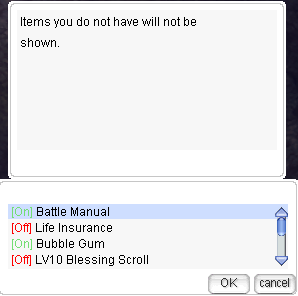
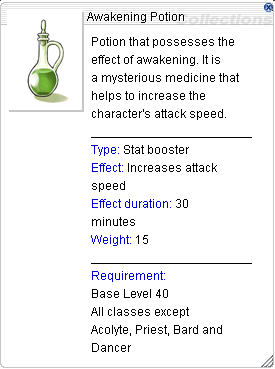
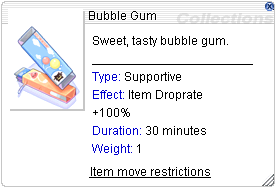
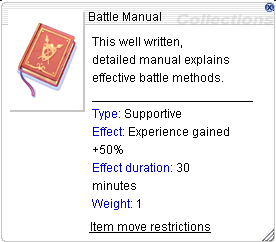
Players can configure their character to use consumable items to enhance their character or increase EXP and item drop rates automatically when the item's effect wears off. This function can be toggled on or off.
* **Green**** = On**: The function is active and will automatically use consumable items.
* **Red**** = Off**: The function is inactive and will not use consumable items.
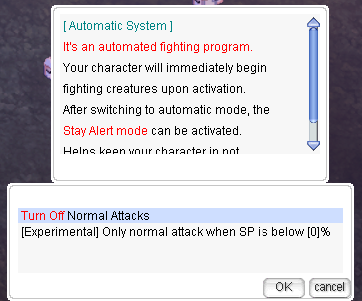
### 4. Normal Attack Settings
Players can choose whether their character will use normal attacks or not. Additionally, there is an option to:
* **Only normal attack when SP is below \[0%]**: When SP drops below the set threshold, the character will switch to using normal attacks.
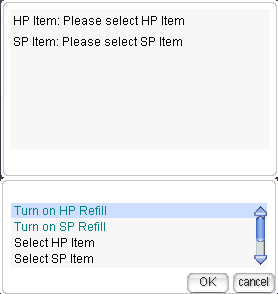
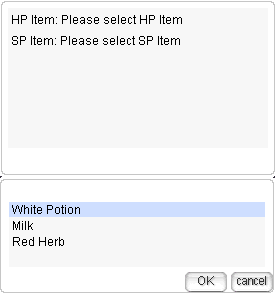
### 5. Potion Settings
Players can configure their character to use potions automatically. This can be toggled on or off, and the type of potion can be selected.
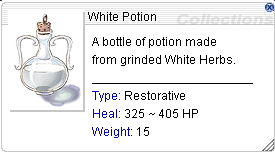
* **Select HP Item**: Choose the HP potion item to use.
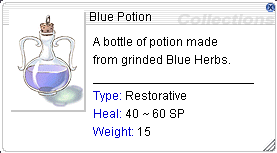
* **Select SP Item**: Choose the SP potion item to use.
* **Set HP Threshold**: Set the percentage threshold for HP. When HP drops below this percentage, the character will use the selected HP potion.
* **Set SP Threshold**: Set the percentage threshold for SP. When SP drops below this percentage, the character will use the selected SP potion.
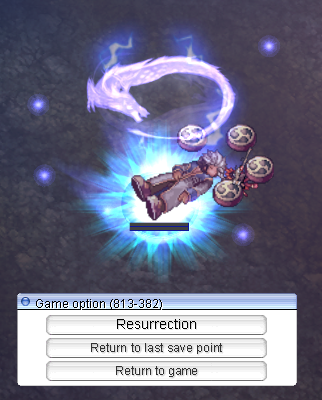
### 6. Return To Save Point On Death
Players can configure their character to respawn and return to the saved point automatically upon death.
### 7. Automatic Item Pickup
Players can configure their character to pick up items automatically after killing monsters or after clearing the area of monsters. Options include:
* **Prioritize item pickup over attacking monsters**: The character will pick up items immediately after they drop from monsters.
* **Prioritize attacking monsters over item pickup**: The character will attack all nearby monsters first before picking up items.
* **Additional Pickup Filters:**
Players can enable or disable **any combination** of the following options to refine their item collection preferences:
* **Pick up Cards only:**
* The character will **only collect Monster Cards** dropped from monsters.
* **Pick up Equipment only:**
* The character will **only Equipment** dropped from monsters.
* **Pick up Other Items only:**
* The character will **only collect items categorized as** **ETC, Usable, Healing, or Delay Consume** items.
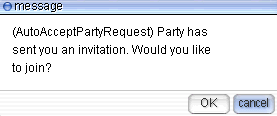
### 8. Auto Accept Party Request
Configure the character to automatically accept party invitations from other players.
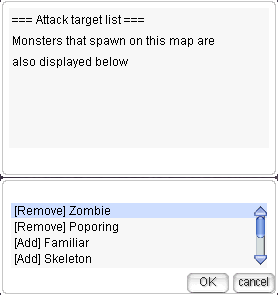
### 9. Target Selection
Players can configure their character to select which monsters to attack or avoid.
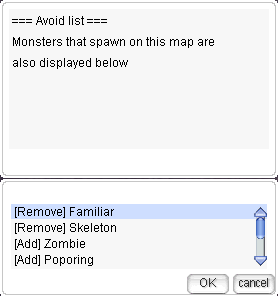
* **Attack Target list**: Select monsters for the character to attack.
* **Avoid List**: Select monsters for the character to avoid. The character will bypass these monsters and attack the ones on the target list instead.
**Note**: When changing maps, these settings need to be reconfigured.
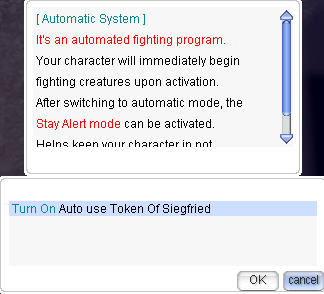
### 10. Auto Use Token of Siegfried
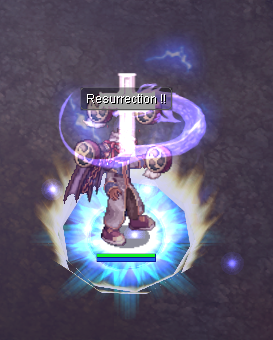
Configure the character to automatically use the Token of Siegfried upon death. The character will use this item to revive itself and continue fighting the next monster.
### **11. Counterattack Settings**
When enabled, the **Counterattack System** allows a player's character to **automatically retaliate** while in **Automate Mode**. If attacked or damaged by another **player**, the character will **counterattack** and **chase the aggressor** until either:
* The enemy moves **out of sight range**, or
* The enemy is **defeated**.
**Counterattack Options:**
* **Enable/Close Counterattack When Attacked (Player):**
* Activates the **counterattack system** when the character is attacked by another **player**.
* Deactives the **counterattack system** when the character is attacked by another **player**.
* **Clear Last Attacker:**
* Removes the **last recorded attacker** from the counterattack list.
* Once cleared, the player's character will **no longer retaliate** against that specific opponent, even if they encounter them again.
***
## **Stamina System and Drop Rate Adjustments**
When players use the **Automatic Player System** until their **Stamina is depleted**:
* **Characters** will receive a **70% reduction** in item drop rate from the default rate.
### **EXP Reduction and Stamina Consumption**
* **Whenever you gain EXP from a monster**, your Stamina will decrease based on a fixed rate, even if you receive shared EXP from a party.
* **If a party member without Stamina kills a monster**, the full EXP value will still be granted to you **as long as you have Stamina**.
#### **Exceptions**
* Certain activities, such as **Monster Event**, will **not be affected** by the Stamina system.
***
#### Related item
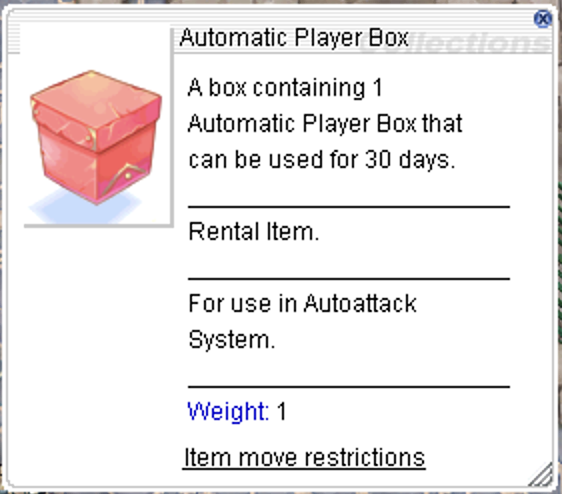
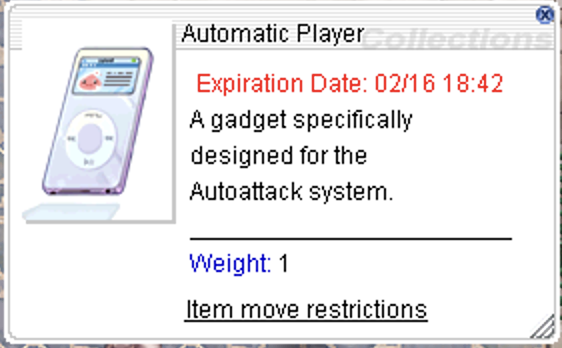
### How to Obtain: Automatic Player
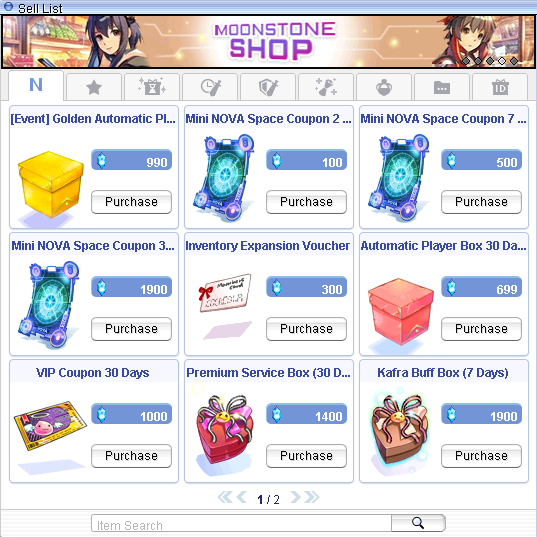
Players can purchase the Automatic Player item from the [Moonstone Shop](/ragnarok-landverse-america/game-guide/moonstone-shop.md). The Moonstone Shop is a cash shop where players can buy items using [Moonstone Points](/ragnarok-landverse-america/game-guide/moonstone-shop/how-to-purchase-moonstone.md), which are obtained by exchanging ION.
#### **ION** is Maxion's platform token. ION can be used for [buying NFTs on the marketplace](broken://pages/sB95i6DoH6A6kzdlztZh) and purchasing moonstones.